Felt & Air
A piano, built from physics.
A felt hammer strikes a string. The bridge carries its vibration to the soundboard, and the soundboard moves the air. Every note is calculated as you play. No recorded samples.
Download for Apple Silicon ↓
Preview 1 · 3.34 MB · Install notes
The same four bars, heard from three places. Each render uses the same gain, so you can hear the difference distance makes.
20 seconds per preset. Public-domain MIDI from Mutopia, maintained by Tobias Erbsland.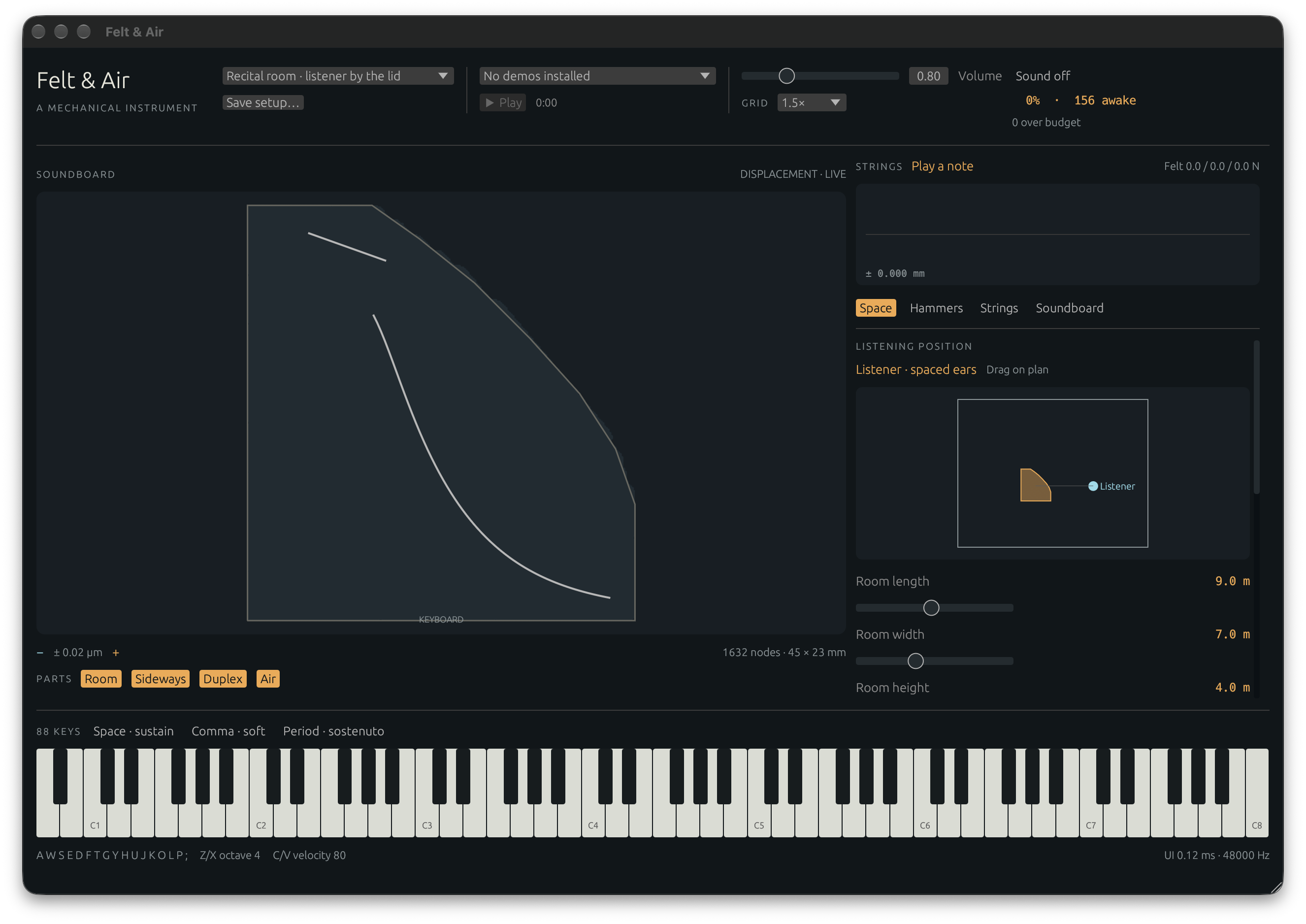
Playing the piano
Connect a MIDI keyboard or play from your Mac. In the standalone app, press Return to turn on sound, A to play a note and Space to hold the sustain pedal.
Watch the soundboard ring, adjust the hammers and strings, or move your listening position around the room. This is a research instrument, not a measured replica of a particular piano. Model notes ↗
Download
Download the standalone app, unzip it, and move FeltAndAir.app to Applications. It opens muted; press Return for sound.
Built for Apple Silicon with a macOS 13 deployment target. Tested on M4 Max with macOS 27.2; earlier macOS versions haven’t been runtime-tested.
The experimental Mac build isn’t notarized. macOS may ask you to use Open Anyway on first launch.
Plug-ins: Audio Unit · CLAP · VST3 (GPLv3) · Complete corresponding source
Plug-in installation and release details
Unzip the plug-in and place it under ~/Library/Audio/Plug-Ins/: use Components/ for AU, CLAP/ for CLAP, or VST3/ for VST3. Rescan plug-ins in your host. Physical audio/MIDI devices, DAW embedding and VST3 host operation haven’t been verified for this preview.